Harvest
Start with the software tree.
I’m building GranaryFS in Rust to distribute software across many machines. File content is split into grains, each identified by its BLAKE3 hash.
● Granary · distributed filesystem
One namespace across the machines that need it. Content-addressed data is reused; readers see the complete new tree—or keep seeing the old one.
~/src/granary main
❯ ▋
273d27a merge: mountinfo fuzz replay
~/src/granary main
❯ ▋
PASS fuzz_corpus_replay::the_committed_corpus_replays_clean
PASS fuzz_corpus_replay::corpus_covers_selected_rows_and_refusals
✓ 7 tests passed · committed corpus replayed
~/src/granary main
❯ ▋
#10000 DONE
✓ mountinfo_body · no crashes
~/src/openafs-windows windows/client
❯ ▋
a60ec99 cloudfiles: keep roots through source loss
~/src/openafs-windows/tools/spikes/cloudfiles-fake windows/client
❯ ▋
fake-catalog: 4 cases passed
✓ deterministic fixture source and reader built
~/src/keycloak-account-events main
❯ ▋
token gates · subject scope · CORS · pagination
✓ BUILD SUCCESS
~/src/keycloak-account-events main
❯ ▋
[ { "type": "LOGIN", "clientId": "account" } ]
subject: caller · admin credential: none
 View full size ↗
Harvest
I’m building GranaryFS in Rust to distribute software across many machines. File content is split into grains, each identified by its BLAKE3 hash.
Pack
Grains are packed into bins while retaining their content identities. A client can reuse unchanged content across versions instead of fetching it again.
Name the tree
A manifest describes the paths, metadata, and content references. A signed root identifies the complete software tree.
Publish
Once the new tree is ready, its root is published atomically. Readers continue with their existing tree or switch to the complete new version.
Clients
Build machines, lab systems, and other clients share a global namespace. Each client can refresh independently, without every machine updating at once.
More about GranaryFSWindows client
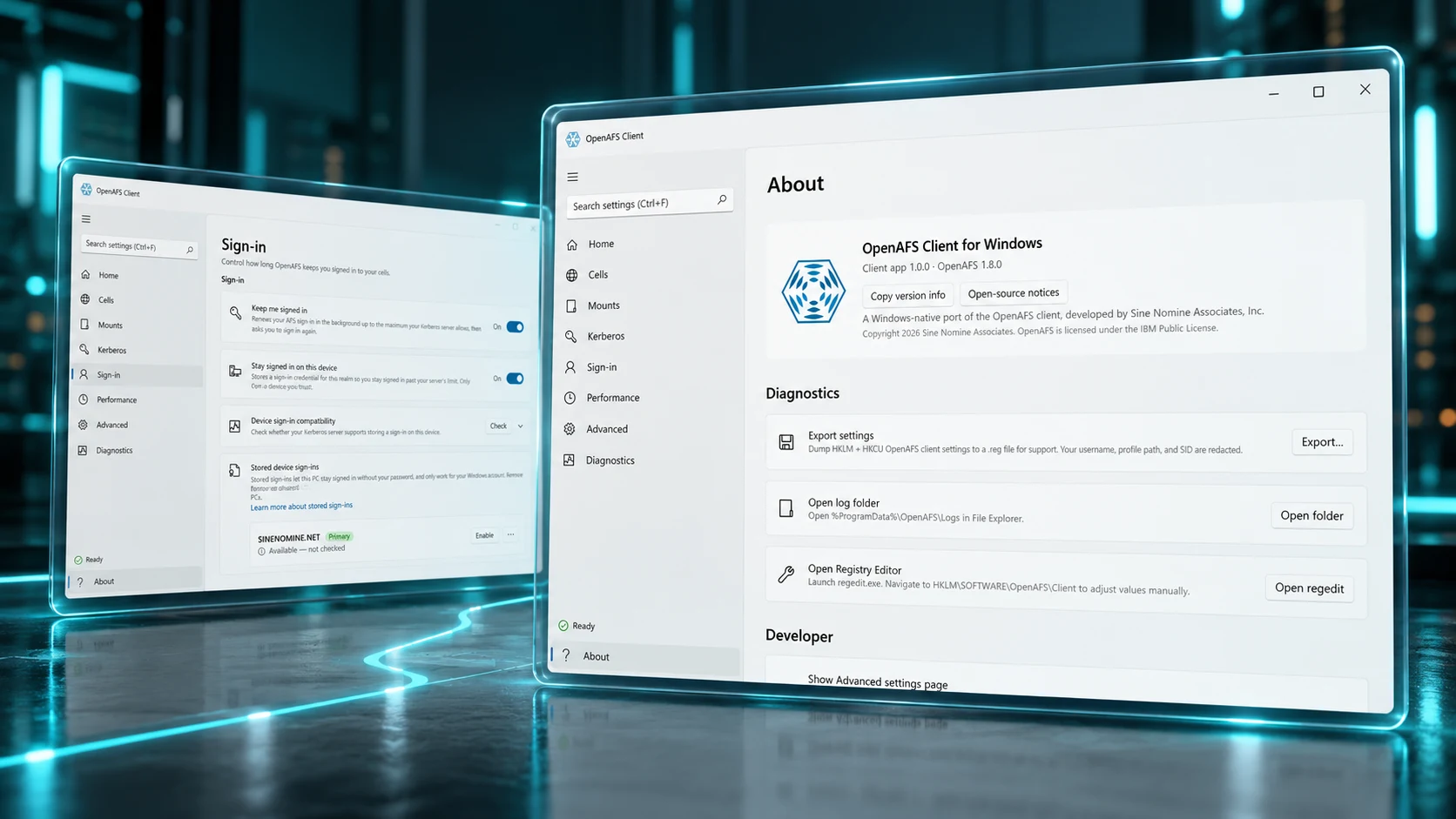
I built a Windows UI for the existing OpenAFS client, bringing sign-in, mounts, settings, service controls, and diagnostics into one application.
Sign-in
The UI shows cell sign-in state and Kerberos credentials, with controls for renewal and Windows sign-in settings.
Files and mounts
Configure AFS mounts, open their paths in Explorer, and reach common actions from the tray.
Cloud Files research
Separately from the UI, I’m developing a userspace Cloud Files path. The aim is to isolate integration faults and simplify updates while working toward parity with the driver-backed client.
On-demand content
Windows presents local NTFS placeholders. CFAPI requests missing content from the provider; the planned afsd read service remains responsible for AFS access checks and data.
Recovery
Already hydrated bytes stay local. Requests for missing content fail explicitly until the source returns. Current development tests exercise this behavior with generated data.
More about the Windows workAccount Events
I built Account Events so an application can show a user’s sign-ins, failed logins, and logouts without receiving a realm-wide administrator credential.
Explore Account EventsAccount Credentials
Account Credentials exposes the caller’s credential metadata without returning secrets. Removal applies permission checks and the configured recent-authentication and step-up policies.
Explore Account CredentialsEvent Enrichment
I wanted GeoIP lookups and User-Agent parsing to happen once in Keycloak. Event Enrichment attaches available location and device details before events are stored.
Explore Event Enrichment01 / HARVEST
DISTRIBUTED FILESYSTEM · SOFTWARE DISTRIBUTION
GranaryFS delivers software trees across many machines. A publish begins by splitting file content into grains and naming each grain by its BLAKE3 hash.
Content gets a stable identity, independent of its filename or location.
Open the project file ↗A signed root identifies the complete software tree.
03 / BLOG
Project updates, technical articles, and other things I’m working on.
Browse the blogThis is where I’ll share the work behind the projects, from implementation details to lessons learned.
Visit the blog04 / PHOTOGRAPHY
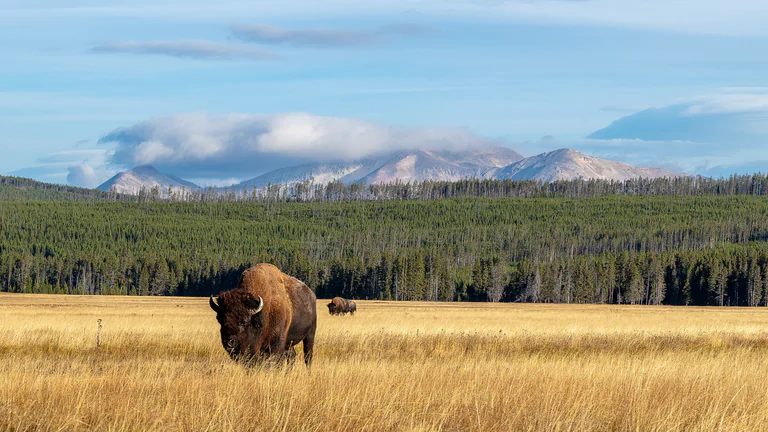
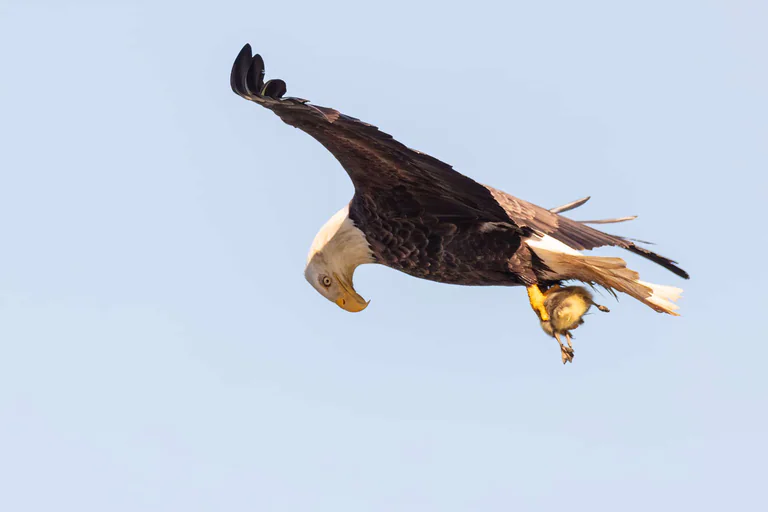
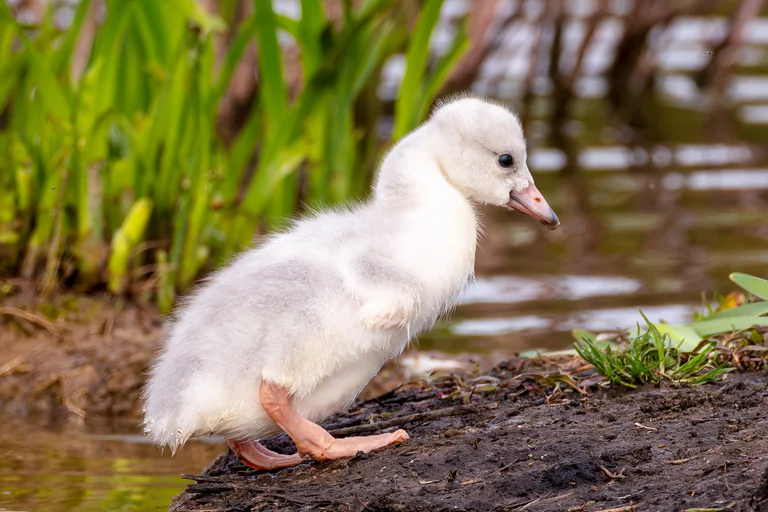
Wildlife, landscapes, sports, and portraits.
View the galleries ↗